For reviewers
Check a fix
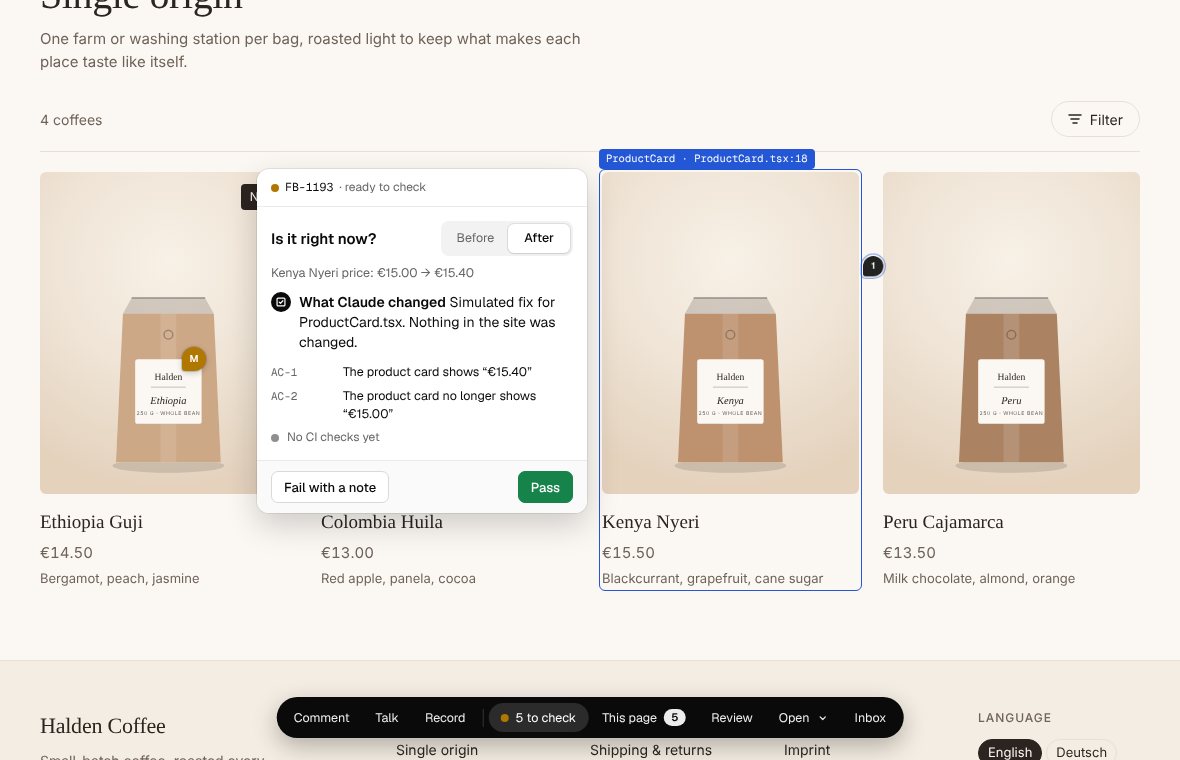
When a fix is ready the item comes back to you as To check. Look at it on the page, then pass it or fail it with a note.
You reported it, so you decide whether it's fixed. Nobody else can mark it done for you, and no agent can.
When it comes back
The item moves to To check, you get a notification (and an email, depending on your settings), and the toolbar on the page counts the pins waiting for your check.
Check it
- 1.Open the page where the fix can be seen. Where that is depends on how your sites are hosted: a PR preview, staging after a deploy, or production after a release. See Your sites and hosting.
- 2.Click the pin. The check sheet shows the checks from the spec, Before / After screenshots, and, for fix rounds, what Claude changed and a link to the pull request.
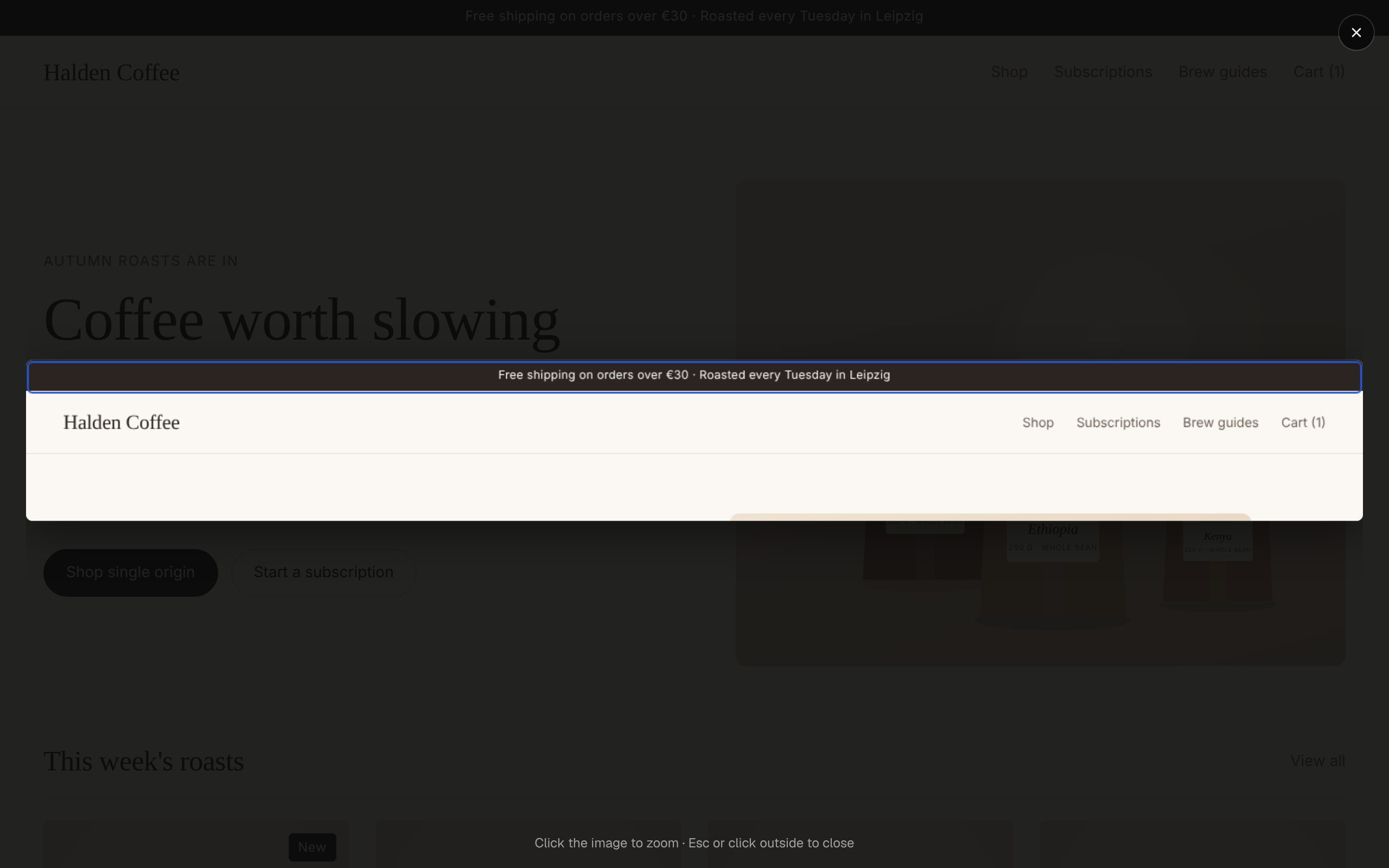
- Click the Before screenshot to open it full size. While it's open, pins, comments, the bar and the check sheet hide, so nothing covers what was reported. Click the image to zoom to its real size (scroll to move around it) and again to fit it. Press Esc, the ×, or click beside the image to go back to the sheet as you left it.
- 1.Look at it at the screen size you reported.
Decide
- Pass: the item is done.
- Fail with a note: say what's still off. The item goes back to whoever fixed it and your note becomes a new check.
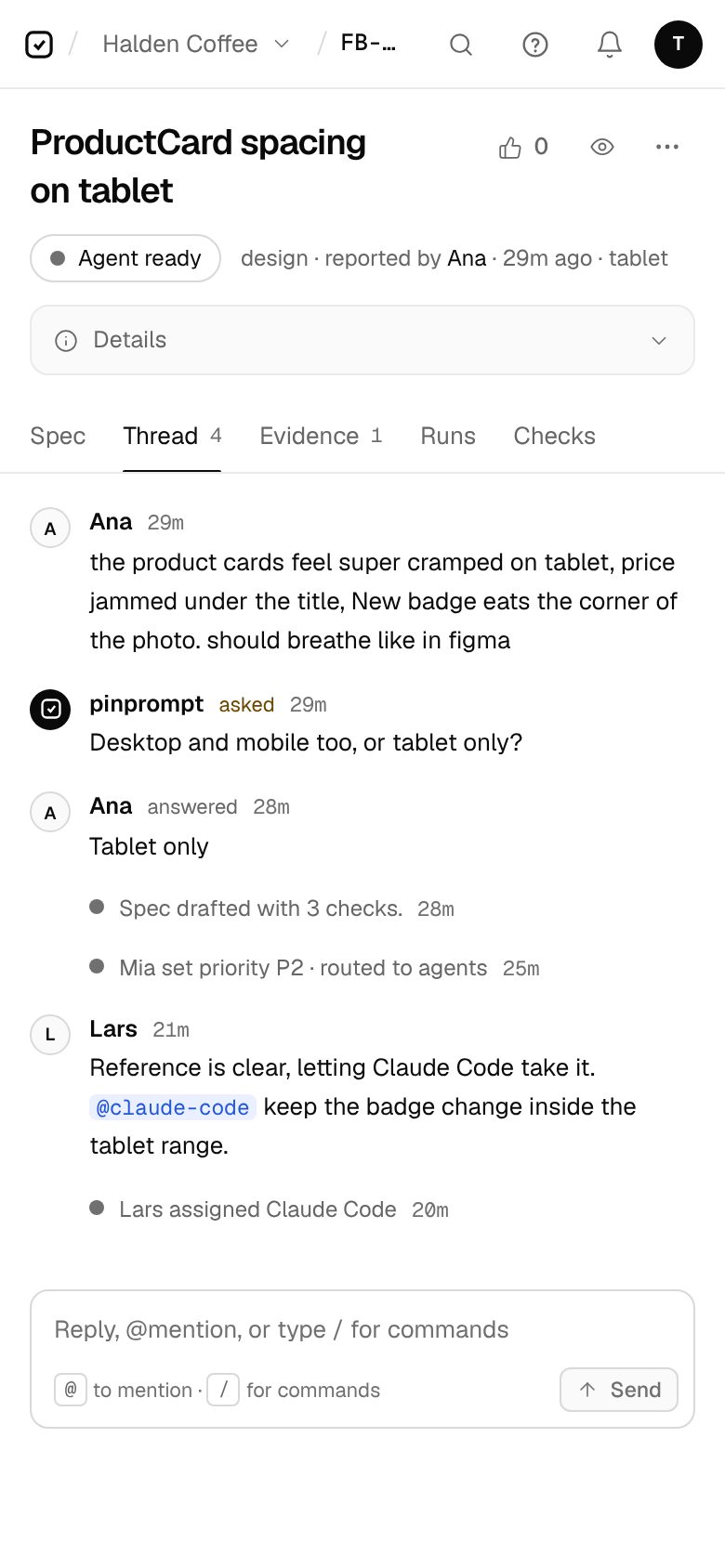
You can do the same from the item page in the web app, which also works on a phone.
Close it without waiting for To check
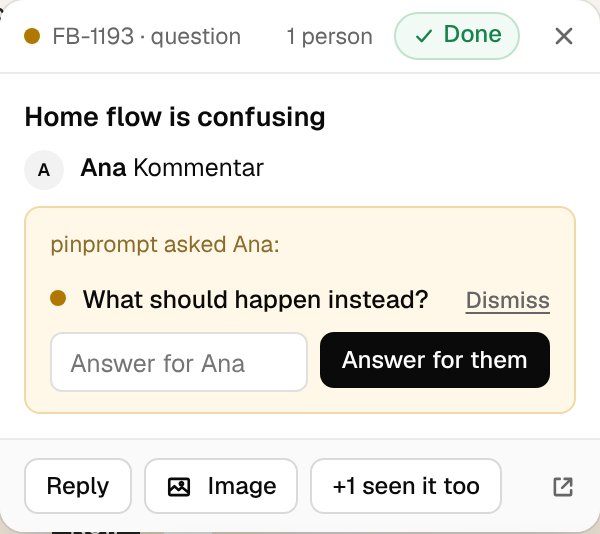
Sometimes a report is settled before a fix comes back: someone fixed it by hand, it went away with another change, or it isn't needed any more. This works at every stage, also while it waits on a question: the open question is settled with it.
On the page: click the pin and press Done at the top of its card, then Done (it's fixed) or Won't fix. The pin leaves the page, and the message that says so has Reopen in case you slipped.
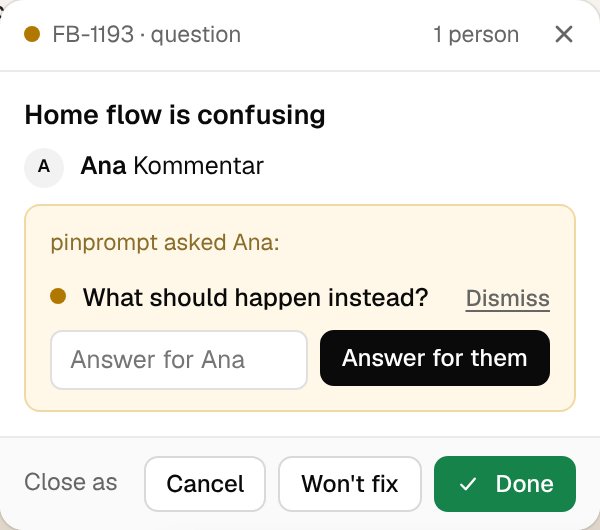
In pinprompt: open the item and press Close… next to its status, then pick It's fixed now (Done) or Won't fix, with a note if you like. You can close your own reports this way whatever your role. Owners, developers and PMs can close any item, and can also pick Done from the status menu at every stage.
A closed item has Reopen: it goes back to Needs triage with your note. Everyone following the item is told, and the activity says who closed or reopened it and why. Agents can't close or reopen items.