For clients
Client guide: feedback from a review link Beta
For clients. Open the site from Your feedback and the feedback bar is there, in any browser and on your phone, with nothing to install.
If the team switched it on for your site, you don't install anything. Open the site from pinprompt and the feedback bar is there, on your computer or your phone. On Your feedback it shows as two steps instead of three.
1. Open the site from "Your feedback"
Sign in (Getting started) and press Open the site. The site opens in a new tab with the black feedback bar at the bottom. It's there only for you, and only in that tab.
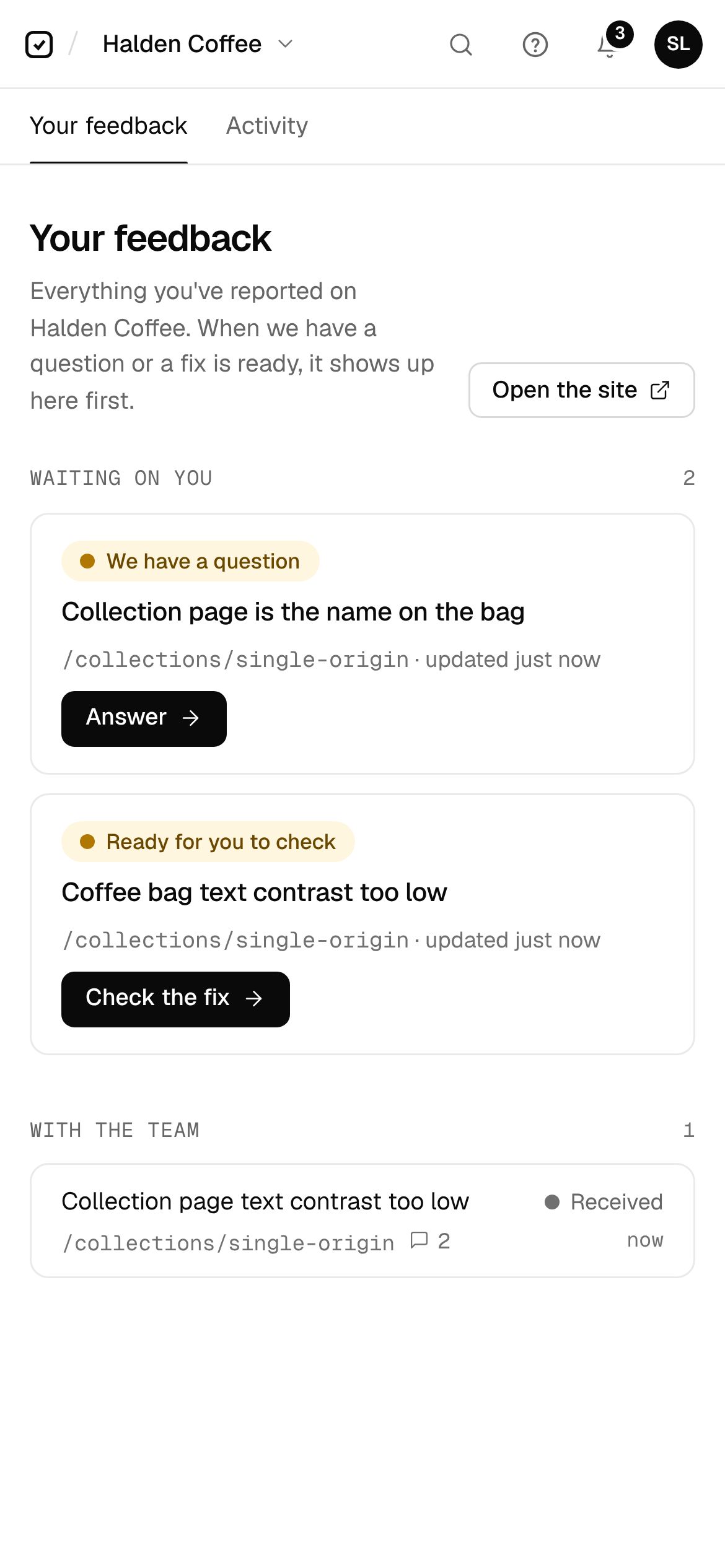
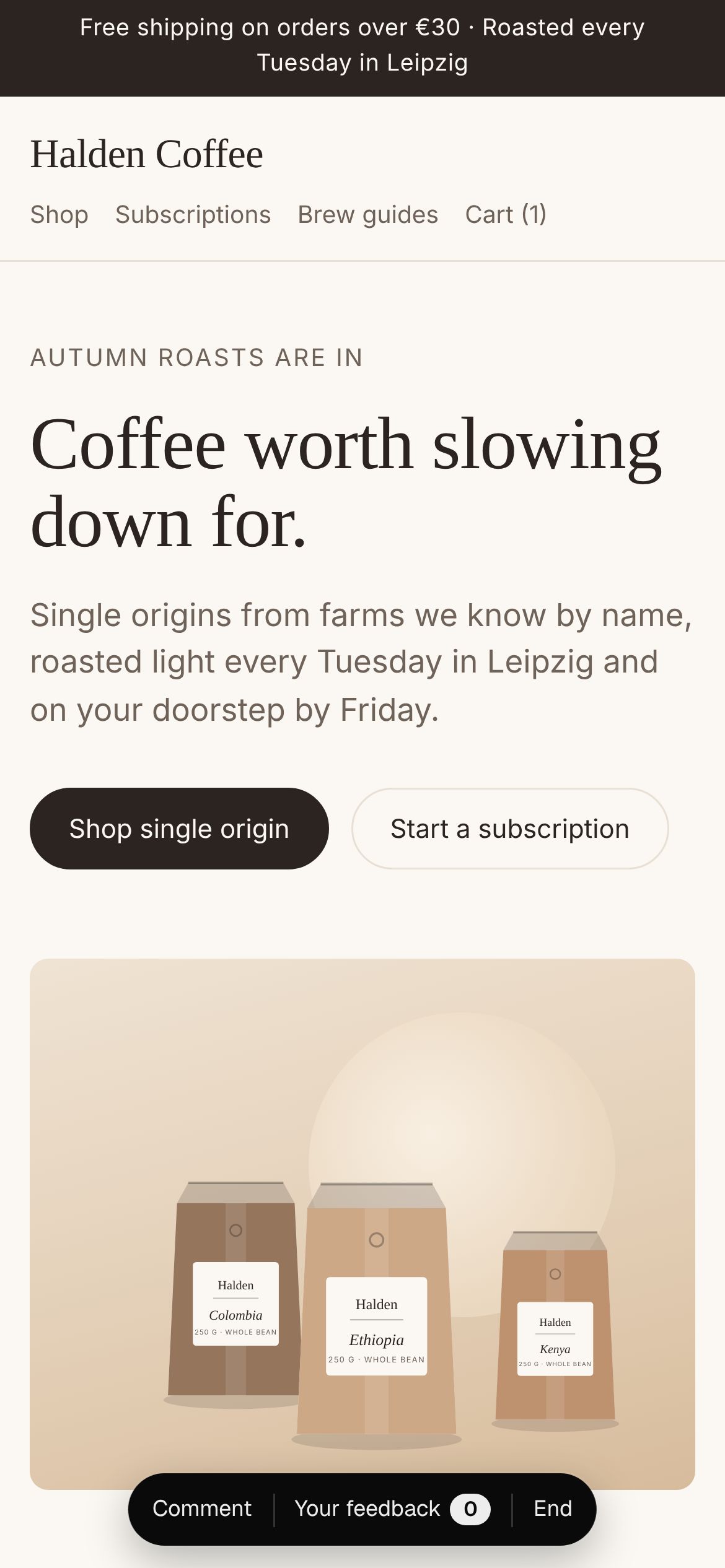
Always open the site from Your feedback. Typing the site's address yourself shows it without the bar.
2. Point at what looks wrong
- 1.Tap Comment.
- 2.Tap the thing you mean: a photo, a price, a button. A blue outline shows what you picked.
- 3.Write what's wrong and what you'd like instead. On a computer, you can paste or drop a picture into the note, or press Image.
- 4.Press Continue, answer the quick question if there is one, and Send. If your agency set the project to Just comment, there's no extra step: Send sends your note as it is. Check with AI first gets the short check back. Just comment
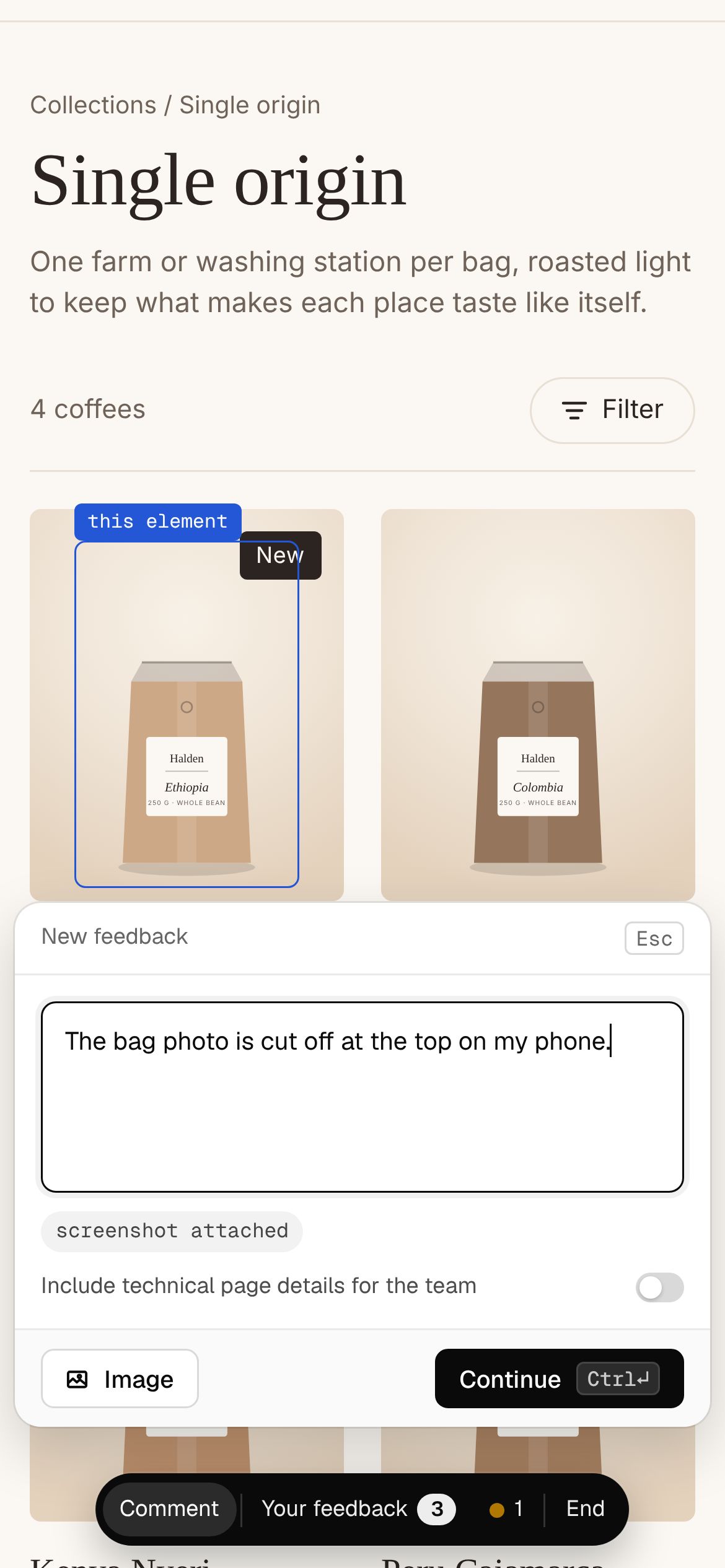
A screenshot goes with your note. Things like email addresses, phone numbers and card numbers are hidden before it's taken.
3. Finish
End on the bar (End review on a computer) closes it, on the server too. Use it on a shared computer. Closing the tab is fine otherwise.
Good to know
- It lasts a working day. After 8 hours, or if you open the site again from another tab or your phone, the bar says your review ended. Press Open the site again: a note you were writing is waiting for you.
- Any modern browser works: Chrome, Edge, Safari, Firefox, on a computer or a phone.
- Pictures in your note: paste, drop or pick up to 3. You can add more on your report in Your feedback afterwards.
Tested automatically in Chrome and Safari's engine, on computer and phone sizes. Not yet tried by a client on a real iPhone: if anything looks odd, tell the team.